

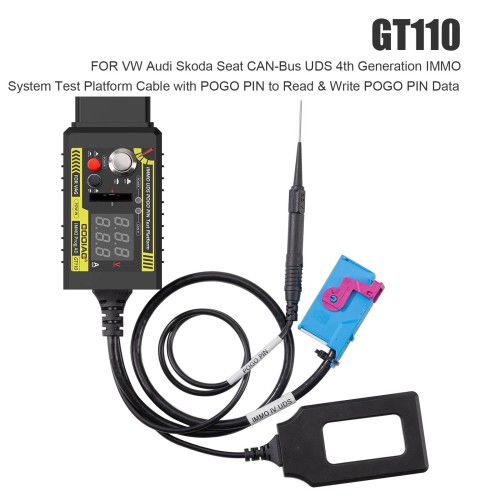
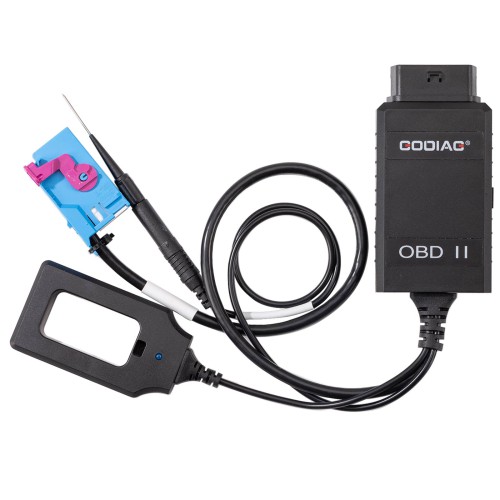
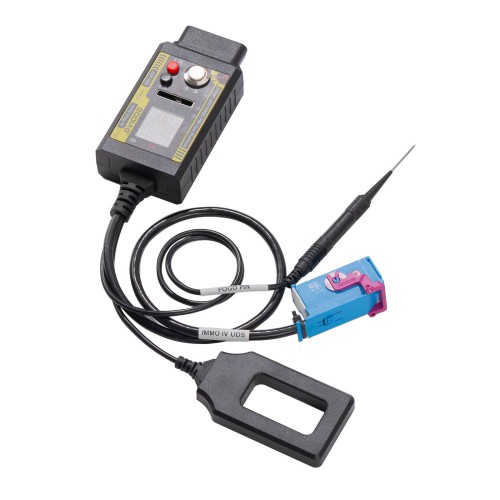
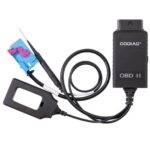
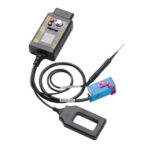
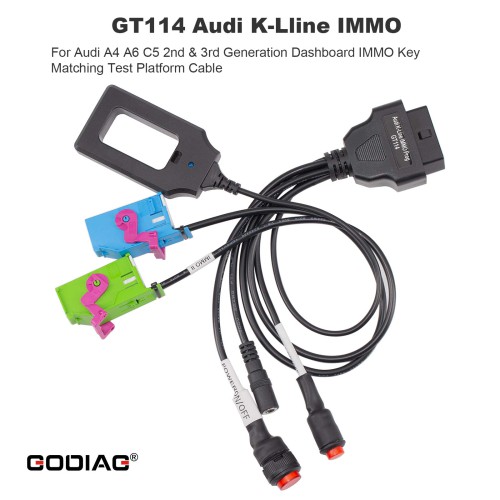
Product Functions:
1. Use POGO PIN to read and write data to the dashboard.
2. Offline connection to the dashboard to convert to standard OBD2.
3. Perform key chip and instrument synchronization test.
4. Independent power switch
5. Simulate ignition switch
6. Current working voltage display
7. CR2032 remote key battery detection
8. Current instrument working current display
9. CANH UDS communication indicator light
10. Key induction adapter with light
11. The pogo PIN is more stable to hold and it does not damage the cable.
POGO PIN usage steps:
1. Connect the power supply [Note: the power switch must be off].
2. Press the IGN ignition power [the IGN ignition switch must be turned on].
3. Connect the instrument plug.
4. Find the POGO PIN connection point of the corresponding instrument and connect it with a probe.
5. Turn on the power switch for about 3-5 seconds. As long as the instrument ABS light is flashing, it means that the POGO PIN read and write mode has been entered.


Reviews
Clear filtersThere are no reviews yet.